The SVG that cuts right the first time
SVG Me turns even a blurry JPEG into smooth curves in a few clean colors, with no stray specks to weed and no jagged edges to fix. Ready for Cricut, Silhouette, lasers, design tools and print.
or drop or paste it here
PNG, JPEG, GIF, BMP, TIFF, or WebPConvert and preview free. Pay 1 credit only when you download.
Same bad JPEG, three tracers
We shrank 15 designs to 200 px and saved them as low-quality JPEGs, the kind of file people actually have, then traced each one with SVG Me and two popular free tracers.
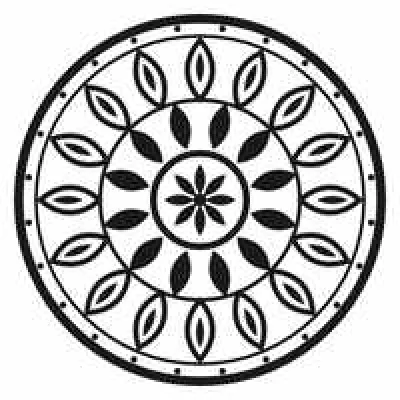
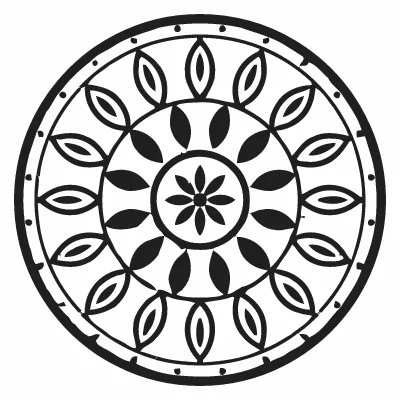
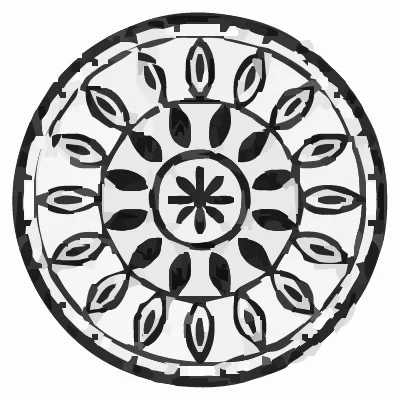
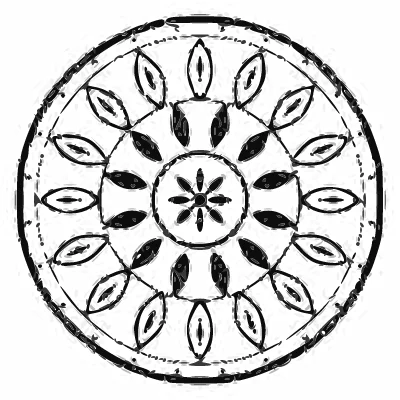



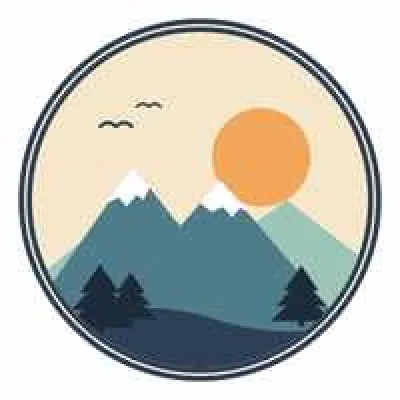
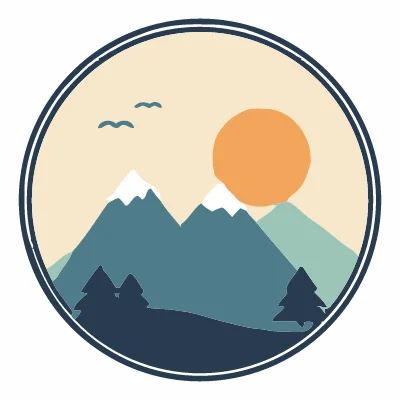
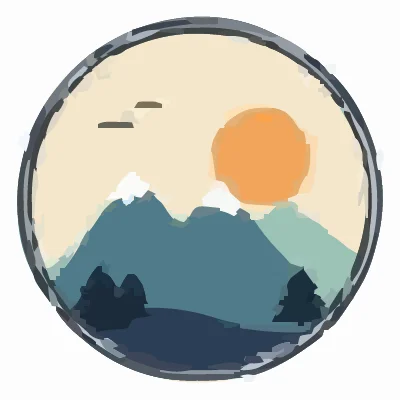
Each tool ran with its default settings; Potrace used Inkscape's Trace Bitmap defaults with 8 color scans. Results were rendered and compared pixel by pixel with the original, full-quality design. See the full results and method.
Why SVG Me
Clean enough to cut as is
Edges become smooth curves with a fraction of the nodes other tracers produce, so blades and lasers follow the line instead of stuttering along pixel steps.
Recovers the design from a bad file
JPEG noise, blur and low resolution are traced through to the few flat colors your design really has, not hundreds of near-duplicates.
See the exact result before you pay
Compare the vector with your original side by side, zoom in on the edges, and recolor. You pay only when you download.
Downloading unlocks the project for 1 credit. After that, every version recolors and downloads again free. Sign in with Google or email to buy credits and keep your SVGs.