An alternative to Inkscape's Trace Bitmap
Inkscape is a great free editor, and Trace Bitmap handles clean one-color art well. Multi-color images and compressed JPEGs are where it gets fiddly: scans to tune, specks to delete and nodes to simplify. SVG Me does that tracing step for you, and you can still finish the file in Inkscape.
How Trace Bitmap works
Trace Bitmap (Path › Trace Bitmap) is built on Potrace, which traces black-and-white images. For color, Inkscape's Multiple scans mode first reduces the image to a set number of colors (8 by default) and traces each color as a separate scan, stacking the results.
That works well on clean artwork with a few flat colors. On a JPEG, compression noise around every edge becomes its own small shapes, colors are chosen by counting pixels rather than by what the design is, and you end up deleting specks and simplifying paths by hand.
Tested: Potrace with Inkscape’s settings vs SVG Me
We traced 15 designs, saved as low-quality JPEGs, with Potrace set up like Trace Bitmap's multi-color mode (8 scans, speckles 2, smooth corners 1.0, optimize 0.2) and with SVG Me at its defaults.
- Stray specks: a median of 91 per design with Potrace, 0 with SVG Me.
- Anchor points: a median of 2,168 with Potrace, 282 with SVG Me.
- Accuracy: SVG Me was closer to the original design on all 15 images.

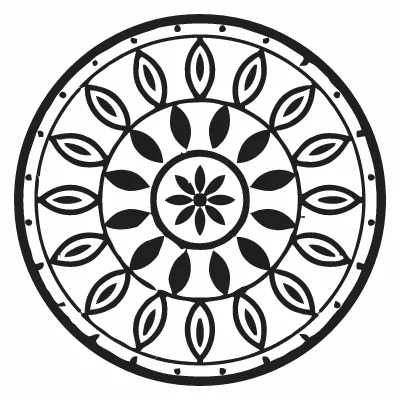
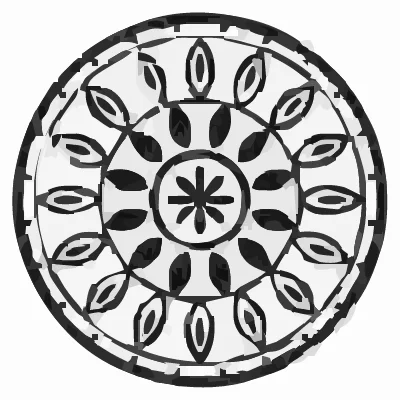
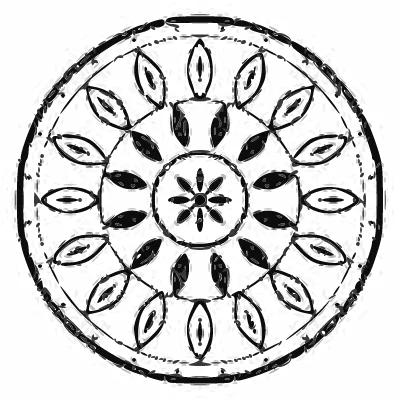

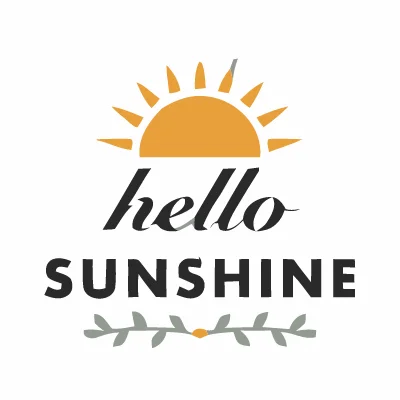


These are Potrace results with Inkscape's defaults, reproduced outside Inkscape, not screenshots of Inkscape itself. See the full test and method.
When to stay with Inkscape
- Clean black-and-white art: Brightness cutoff mode gives crisp single-color traces for free, offline.
- Small, tiny text: Potrace kept a small line of text more legible than SVG Me in our test.
- Full editing: Inkscape is a complete vector editor. SVG Me only traces and recolors.
Using both
- Upload your image to SVG Me and check the preview. Merge or remove colors until each one is a color you want.
- Download the Standard SVG, or Layers by color if it is going to a cutter.
- Open the SVG in Inkscape (File › Open). Each color is a separate path you can edit, move or delete.
Questions
Is SVG Me free like Inkscape?
Converting and previewing are free; downloading the SVG costs 1 credit per project. Inkscape is free and open source.
Does SVG Me work offline?
No, it runs in your browser and traces on our servers. Your original image is never saved.
Will the SVG open in Inkscape?
Yes. SVG Me writes plain SVG paths that Inkscape, Illustrator, Figma and Canva can open.