Image-to-SVG converters, tested on the same files
Most "PNG to SVG" tools look alike until you cut the result. We ran 15 designs through SVG Me and two of the most widely used free tracers, first as clean PNGs and then as the blurry, compressed JPEGs people usually have, and measured what matters when you cut, engrave or print.
The short version
- SVG Me's result was the closest to the original on all 15 low-quality JPEGs and all 15 clean PNGs.
- From low-quality JPEGs, SVG Me produced a median of 282 anchor points per design, against 1,450 for VTracer and 2,168 for Potrace. Fewer anchor points means smoother cuts and faster laser jobs.
- VTracer kept a median of 133 colors per design from the JPEGs, because compression noise creates many near-identical shades. SVG Me kept 4: one layer per color you would actually cut.
- Potrace, the engine behind Inkscape's Trace Bitmap, left a median of 91 stray specks per design, tiny shapes that turn into weeding work. SVG Me's median was 0.
- SVG Me is not perfect: it can merge very small text and thin color bands into their surroundings. Details below.
Side by side
Each row starts from the same 200 px, low-quality JPEG. SVG Me is outlined.
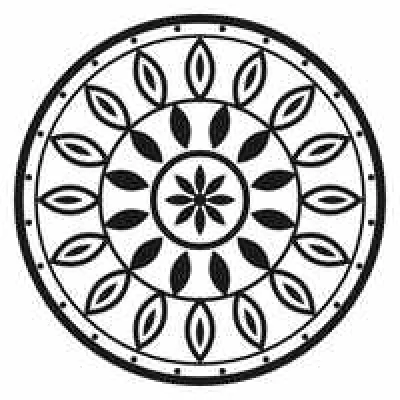
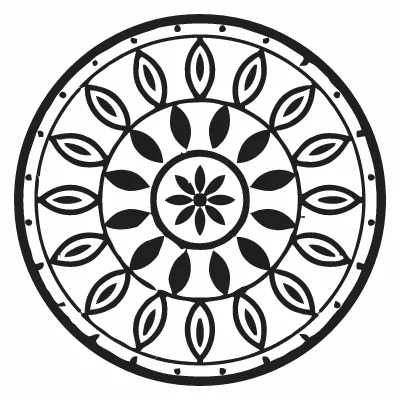
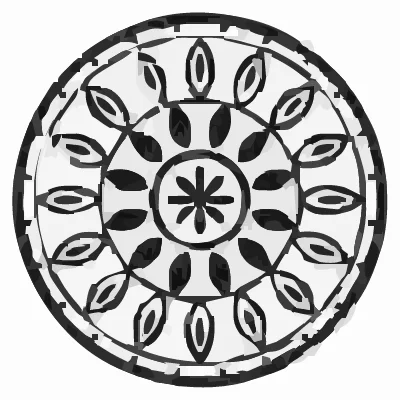
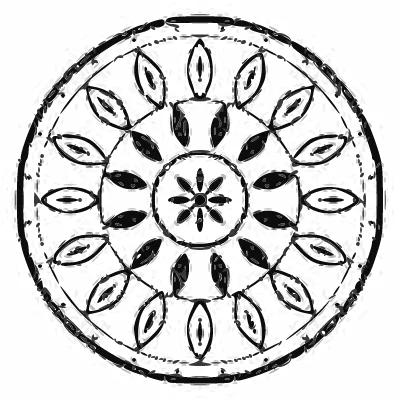




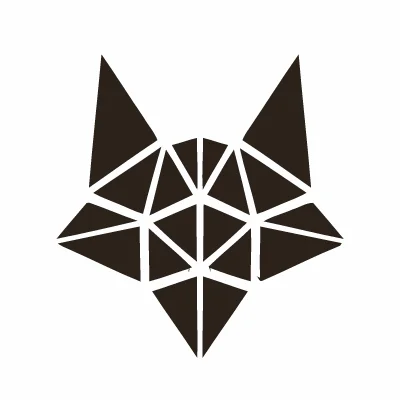
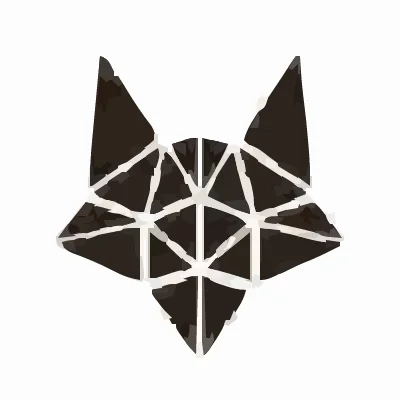
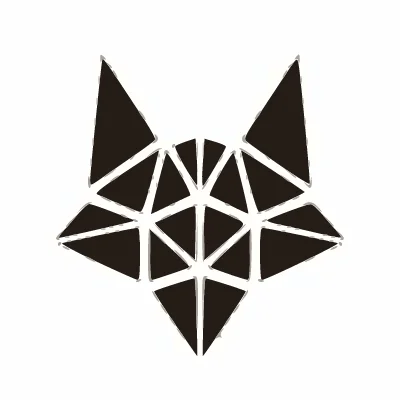

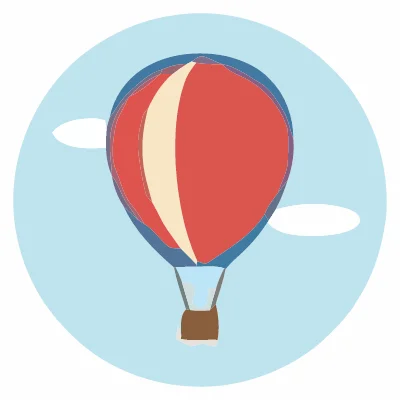
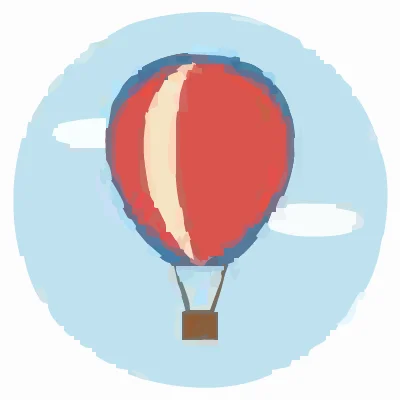
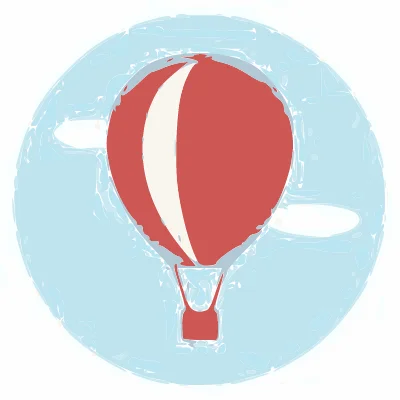
Results from low-quality JPEGs
Each of the 15 designs was shrunk to 200 px and saved as a quality-45 JPEG, then traced by each tool and compared with the original, full-quality design. The best value in each row is highlighted.
| Lower is better | SVG Me | VTracer | Potrace |
|---|---|---|---|
| Difference from the originalaverage per pixel, 0–255 | 2.6 | 7.9 | 11 |
| Anchor pointsmedian per image | 282 | 1,450 | 2,168 |
| Colorsmedian per image | 4 | 133 | 8 |
| Stray specksmedian shapes under 4 px | 0 | 0 | 91 |
| File sizemedian | 13 KB | 104 KB | 85 KB |
Results from clean PNGs
The same designs at full quality. Every tool does better here, and SVG Me still used 1.7× fewer anchor points than VTracer and 5× fewer than Potrace.
| Lower is better | SVG Me | VTracer | Potrace |
|---|---|---|---|
| Difference from the originalaverage per pixel, 0–255 | 0.7 | 3.5 | 3.7 |
| Anchor pointsmedian per image | 256 | 447 | 1,292 |
| Colorsmedian per image | 6 | 15 | 8 |
| Stray specksmedian shapes under 4 px | 0 | 0 | 145 |
| File sizemedian | 13 KB | 39 KB | 46 KB |
Where SVG Me did worse
- Tiny text. On a coffee-roaster logo, the small "COFFEE ROASTERS" line under the name broke into fragments in SVG Me's trace of the low-quality JPEG. Potrace kept it roughly legible.
- Thin color bands. On a "Salt Life" sunset badge, SVG Me merged a thin green wave band into the blue sea and flattened the wave shape. VTracer kept both.
If a detail matters, upload the largest, sharpest version of your image you have, or raise the color count before you download. You see the exact result before you pay.
How we tested
- The images: the 15 example designs used across this site: logos, lettering, badges, line art and simple illustrations, 400 × 400 px.
- Two versions of each: the clean PNG, and a "degraded" copy shrunk to 200 px and saved as a quality-45 JPEG, like an image saved from a website or a phone screenshot.
- The tools, all with default settings: SVG Me; VTracer, the open-source tracer behind many free online converters; and Potrace set up the way Inkscape's Trace Bitmap does multi-color tracing (8 color scans, speckles 2, smooth corners 1.0, optimize 0.2).
- Accuracy: each SVG was rendered at 400 px and compared pixel by pixel with the clean original. The table shows the average difference per pixel on a 0–255 scale.
- Structure: anchor points (drawing segments), distinct colors, specks (shapes whose bounding box is under 4 × 4 px) and file size, read from each SVG.
The test set is SVG Me's own example art: clean, flat-color designs, which is what SVG Me is built for. Photos, hand-drawn scans and very fine text weren't tested, and commercial tools such as Vectorizer.AI, Adobe Illustrator's Image Trace and Cricut Design Space's own trace weren't included. Tuning VTracer's or Potrace's settings can improve their results, but most people never change the defaults. We rerun the test when the engine changes and update this page.
Questions
Which image-to-SVG converter is best for Cricut?
For cut files, look for three things: few anchor points, few colors and no stray specks. In our test SVG Me led on all three from low-quality JPEGs. Whatever tool you use, preview the result before cutting. See how to make an SVG for Cricut from a picture.
Is VTracer or Potrace better?
It depends on the image. On our clean PNGs they were close; on low-quality JPEGs VTracer was more accurate but kept far more colors, while Potrace kept 8 colors but left many stray specks.
Can I see results on my own image?
Yes. Upload it to SVG Me; converting and previewing are free, and you can compare the SVG with your original side by side before paying for the download.