For Glowforge
Image to SVG for Glowforge
Turn a PNG or JPG into clean closed outlines for cutting and scoring, or filled shapes for engraving, and upload the SVG straight to the Glowforge app.
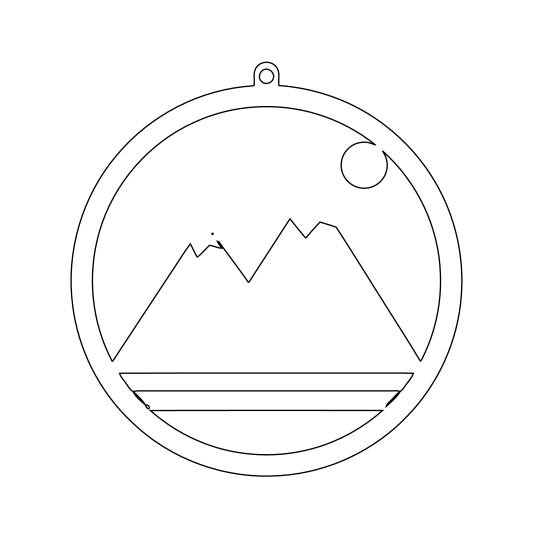
- Cut lines, not pixels. Every shape is a closed outline, so the Glowforge app reads it as a cut or score instead of a bitmap engrave.
- One or two colors. Designs are reduced to the shapes you actually cut, with white areas left out.
- Switch to engrave. Choose filled shapes before downloading when you want a vector engrave instead.
Also: PNG to SVG · JPG to SVG · WebP to SVG · PNG to SVG for Cricut · JPG to SVG for Cricut · PNG to SVG for Silhouette · PNG to SVG for LightBurn · Image to SVG for laser cutting · Procreate to SVG · Logo to SVG · Cricut SVG converter · Image to SVG for Silhouette · Picture to SVG · Image to SVG for vinyl cutting