For LightBurn
PNG to SVG for LightBurn
Get clean closed vector shapes from a PNG, import them into LightBurn, and cut, score or fill-engrave without fixing a messy trace first.
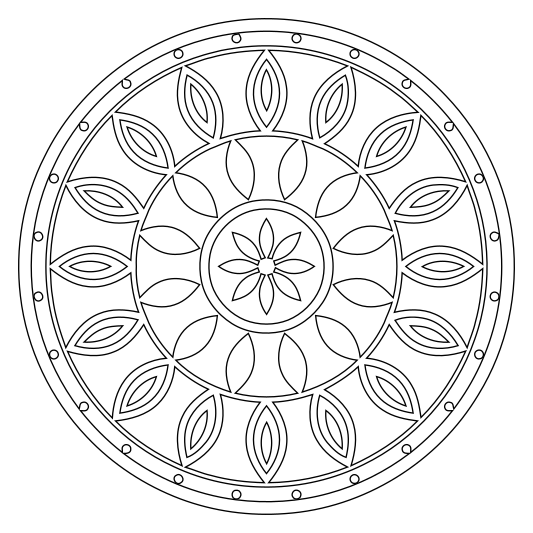
- Closed shapes. Every region is a closed outline, so cuts and fills behave predictably.
- One color when you want it. Reduce the design to a single color for a clean cut or engrave layer.
- Smooth curves, fewer nodes. Curves instead of pixel steps mean smoother cuts and faster jobs.
Also: PNG to SVG · JPG to SVG · WebP to SVG · PNG to SVG for Cricut · JPG to SVG for Cricut · PNG to SVG for Silhouette · Image to SVG for laser cutting · Procreate to SVG · Logo to SVG · Cricut SVG converter · Image to SVG for Silhouette · Image to SVG for Glowforge · Picture to SVG · Image to SVG for vinyl cutting